

Remote onboarding: how to do it well
By Emmanuel Vasilakis · Published · 4 min read
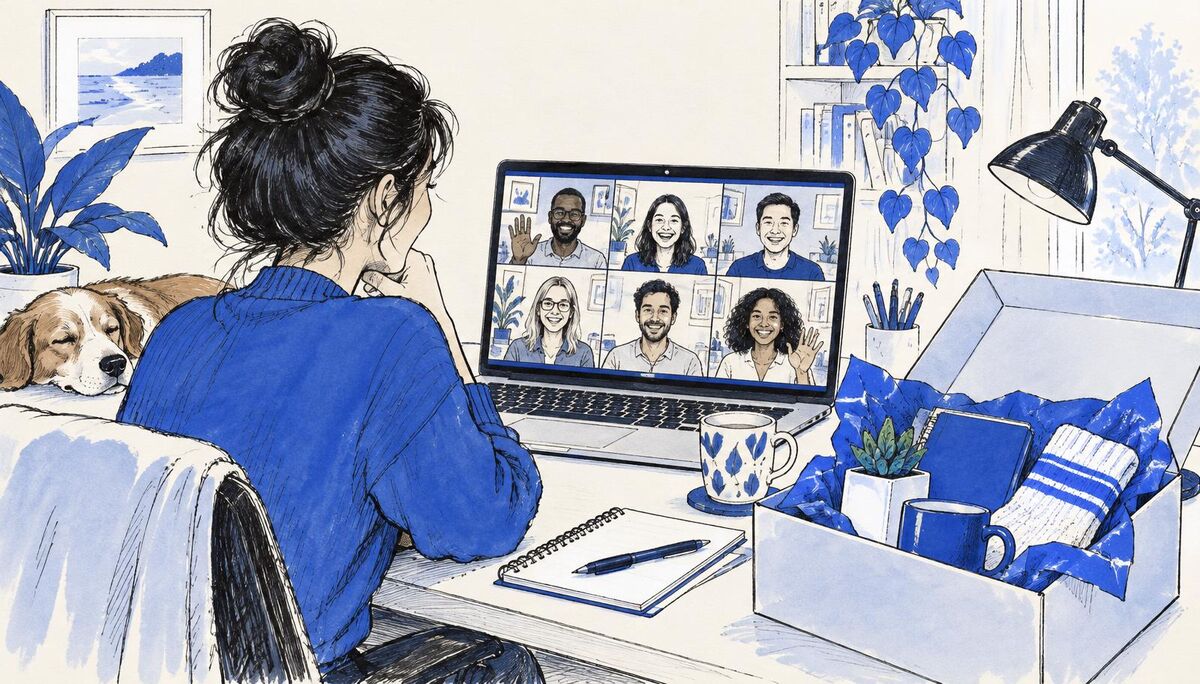
Remote onboarding needs more planning than in-person onboarding, because nothing happens by chance: no one overhears a useful conversation or invites the new person for coffee. Send equipment early and test access before day one. Share a written plan for the first week. Schedule short video meetings with key people, pair the new hire with a buddy who checks in daily, and write things down so they can learn at their own pace. Check in more often than you would in an office, especially in the first two weeks.
What changes when onboarding is remote
| In an office | Remote |
|---|---|
| Ask the person at the next desk | Questions feel like an interruption, so people hold back |
| Learn by overhearing | Only what is written or shared is learned |
| Meet people at lunch | Meetings must be planned |
| In an office | Remote |
| Manager sees when someone is stuck | Problems stay hidden longer |
Remote onboarding works when you replace each of these on purpose.
Before day one
- Ship equipment at least a week early, with a tracking number and a contact if it does not arrive.
- Set up and test accounts: email, chat, video, main tools. Send login instructions separately from the laptop.
- Send the first-week plan with meeting links already in the calendar.
- Share a short "how we work" page: working hours, which tool to use for what, how fast people usually reply.
- Introduce the buddy by email before day one.
The first week
Day 1: Video welcome from the manager, IT check, team introduction call, an hour with the buddy, one small task, end-of-day check-in.
Days 2 to 3: Short one-to-one video calls with five to eight key people (20 minutes each), screen-share sessions watching colleagues do the core work, a first real task.
Days 4 to 5: More independent work with the buddy available, required training, end-of-week conversation with the manager.
Keep video calls short and leave gaps between them. A day of back-to-back calls is tiring.
Building connection at a distance
- A buddy who checks in daily for the first two weeks, then a few times a week.
- Short virtual coffees with team members, scheduled in advance.
- A team channel welcome: a short introduction from the new hire and replies from the team.
- Cameras on for small meetings in the first weeks, where the team agrees, to help put faces to names.
- Meet in person if you can, even once in the first few months.
Write things down
Remote teams depend on writing. Give new hires:
- A short guide to the main tools and processes.
- Recordings of key explanations, so they can rewatch them.
- A list of "who to ask about what".
- A space to note questions as they come up, reviewed in check-ins.
Check in more often
| Period | Manager check-ins | Buddy check-ins |
|---|---|---|
| Week 1 | Daily (10 to 15 minutes) | Daily |
| Weeks 2 to 4 | Twice a week | Two or three times a week |
| Months 2 to 3 | Weekly one-to-one | Weekly |
Ask directly: "What are you stuck on?" Remote new hires often wait too long to ask.
Time zones
If the new hire works in a different time zone, plan overlap hours. Example: the team is in Athens and the new hire is in Lisbon, two hours behind. If the team works 09:00 to 17:00 Athens time and the new hire works 09:00 to 17:00 Lisbon time, that is 11:00 to 19:00 Athens time, so they overlap from 11:00 to 17:00 Athens time, six hours. Schedule live meetings in that window.
Remote onboarding checklist
| Task | Done |
|---|---|
| Equipment shipped and received | |
| Accounts tested | |
| First-week plan and calendar invites sent | |
| "How we work" page shared | |
| Buddy introduced | |
| Task | Done |
| Key-people calls scheduled | |
| Written guides and recordings shared | |
| Daily check-ins in week 1 booked | |
| 30-, 60- and 90-day reviews booked |
What the evidence says
That remote newcomers can feel more isolated and find it harder to learn informally is Mixed: supported by research since the shift to remote work, with results varying by team and role. That structured onboarding and social connection help newcomers adjust is Strong, and there is no reason to think this changes for remote staff. The plan, check-in schedule and checklist are Practice.
Frequently asked questions
How do you onboard a remote employee? Ship equipment early, test access, send a written first-week plan, schedule short calls with key people, assign a buddy and check in more often than in an office.
What is different about remote onboarding? Nothing happens by chance, so learning, introductions and check-ins must be planned and written down.
How often should you check in with a remote new hire? Daily in the first week, twice a week in weeks two to four, then weekly.
Check yourself
- When should equipment be shipped? At least a week before day one.
- Team works 09:00 to 17:00 Athens time; new hire works 09:00 to 17:00 Lisbon time, two hours behind. How many hours overlap? Six (11:00 to 17:00 Athens time).
- Why write things down? Remote new hires cannot learn by overhearing.
Go deeper: free sample lesson
The Onboarding Design course covers onboarding for office, hybrid and remote teams. Read the free sample lesson
Related guides
- Employee onboarding checklist, from offer to 90 days
A complete employee onboarding checklist: what to do before day one, on the first day, in week one, month one and months two to three, with owners for each task and the measures that show it works.
- A new employee's first week: a day-by-day plan
A day-by-day first week plan for new employees: what to do each day, how to balance meetings, learning and real work, a sample schedule and the end-of-week conversation.
- A 30-60-90 day onboarding plan for new salespeople
A practical 30-60-90 day plan for onboarding salespeople: what to learn, when to sell alone, how to ramp quota, and the checkpoints that show progress.
- Personalising outreach at scale without sounding generic
How to personalise B2B cold email at scale: a three-tier method, what counts as real personalisation, segment-level templates, time budgets and examples of weak and strong first lines.